linux-install-neofetch
Neofetch 系统信息显示工具
补充说明
Neofetch 是一个命令行系统信息工具,用于在终端中展示操作系统、内核、CPU、GPU、内存等硬件和软件信息,并附带 ASCII 艺术 Logo。本文档记录各大 Linux 发行版中安装 neofetch 的常用方法。
Ubuntu
sudo apt update
sudo apt install neofetch -y
neofetch
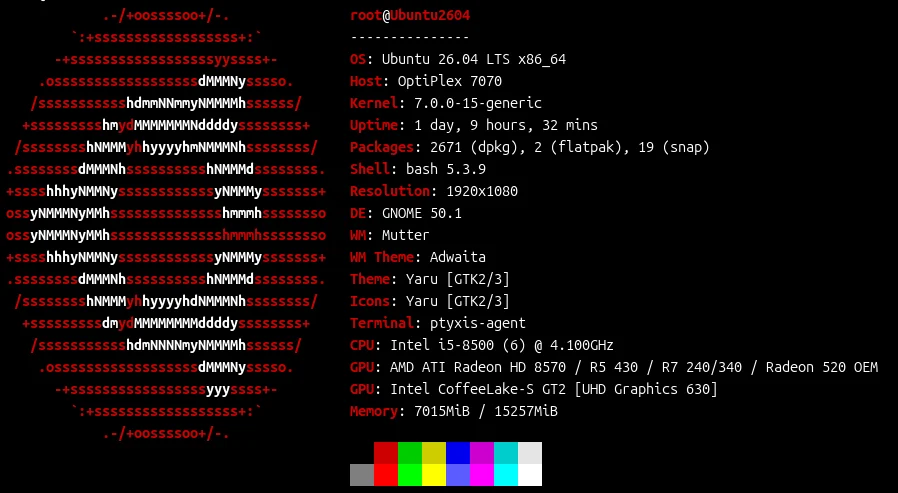
Ubuntu 效果:
Debian
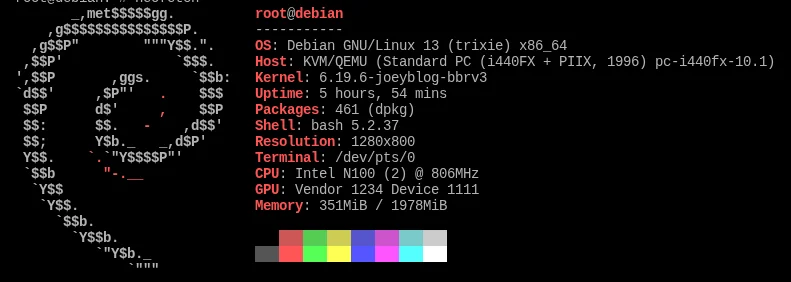
Debian 及 apt 源中无 neofetch 包的旧版本,可通过脚本手动安装:
sudo apt update
curl -sSL https://raw.githubusercontent.com/dylanaraps/neofetch/master/neofetch | sudo tee /usr/local/bin/neofetch && sudo chmod +x /usr/local/bin/neofetch
neofetch
FnOS
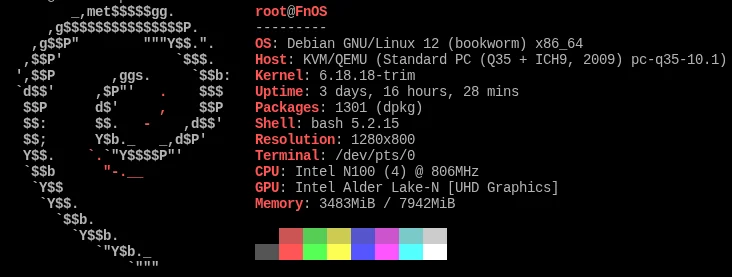
FnOS 基于 Debian,同样 apt 源中无 neofetch 包的旧版本,可通过脚本手动安装:
sudo apt update
curl -sSL https://raw.githubusercontent.com/dylanaraps/neofetch/master/neofetch | sudo tee /usr/local/bin/neofetch && sudo chmod +x /usr/local/bin/neofetch
neofetch
PVE
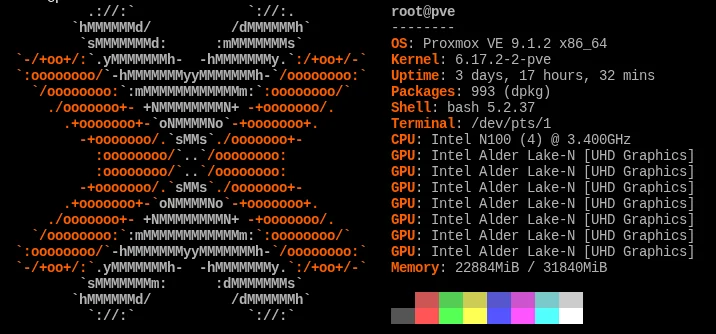
PVE 基于 Debian,同样 apt 源中无 neofetch 包的旧版本,可通过脚本手动安装:
sudo apt update
curl -sSL https://raw.githubusercontent.com/dylanaraps/neofetch/master/neofetch | sudo tee /usr/local/bin/neofetch && sudo chmod +x /usr/local/bin/neofetch
neofetch
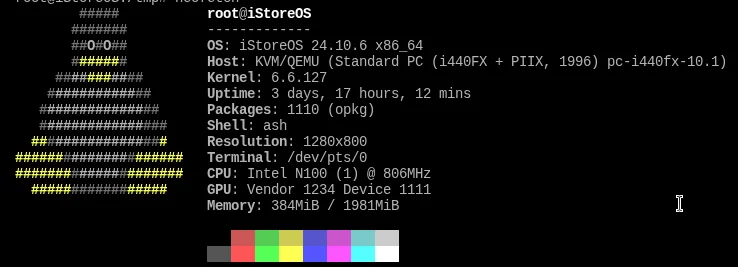
iStoreOS / OpenWrt
iStoreOS 基于 OpenWrt,使用 wget 下载 neofetch 脚本到 /usr/bin/:
wget --no-check-certificate https://ghproxy.net/https://raw.githubusercontent.com/dylanaraps/neofetch/master/neofetch -O /usr/bin/neofetch && chmod +x /usr/bin/neofetch
neofetch
CentOS / RHEL
CentOS 7
yum install epel-release -y
yum install neofetch -y
neofetch
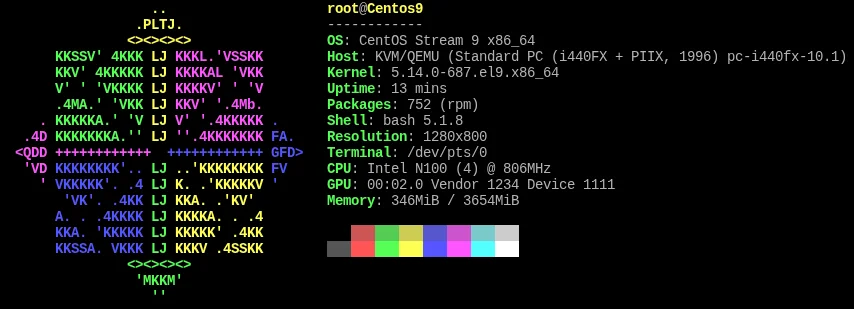
CentOS 8 / 9 / Stream
dnf install epel-release -y
dnf install neofetch -y
neofetch
发行版安装方式汇总
| 发行版 | 包管理器 | 安装方式 | 源 |
|---|---|---|---|
| Ubuntu | apt | apt install neofetch |
官方源 |
| Debian | apt | 脚本手动安装 | GitHub raw |
| FnOS | apt | 脚本手动安装 | GitHub raw |
| iStoreOS / OpenWrt | opkg | wget 脚本 | ghproxy + GitHub raw |
| CentOS 7 | yum | yum install neofetch |
EPEL |
| CentOS 8/9/Stream | dnf | dnf install neofetch |
EPEL |
注意事项
- neofetch 项目已归档(archived),不再活跃开发,推荐替代工具 fastfetch
- 手动脚本安装方式将 neofetch 安装到
/usr/local/bin/neofetch或/usr/bin/neofetch,可全局调用 - EPEL 源需额外启用,
epel-release包即 EPEL 仓库配置 - iStoreOS 使用
--no-check-certificate跳过证书验证,因内置证书可能不全 - 脚本安装的 neofetch 不受包管理器管理,更新需重新下载